

Skip to content
Sakani Jo logo

Property request app · Jordan

Don't just search.Request your property.

Tell us what you want to buy or rent, and the real estate offices that have the right fit get in touch with you directly through Sakani Jo.

How your request travels

  1. 1Your request
  2. 2Matching offices
  3. 3Direct contact
Aerial view of Amman at dusk, with light trails and the Jordan Gate towers on the horizon
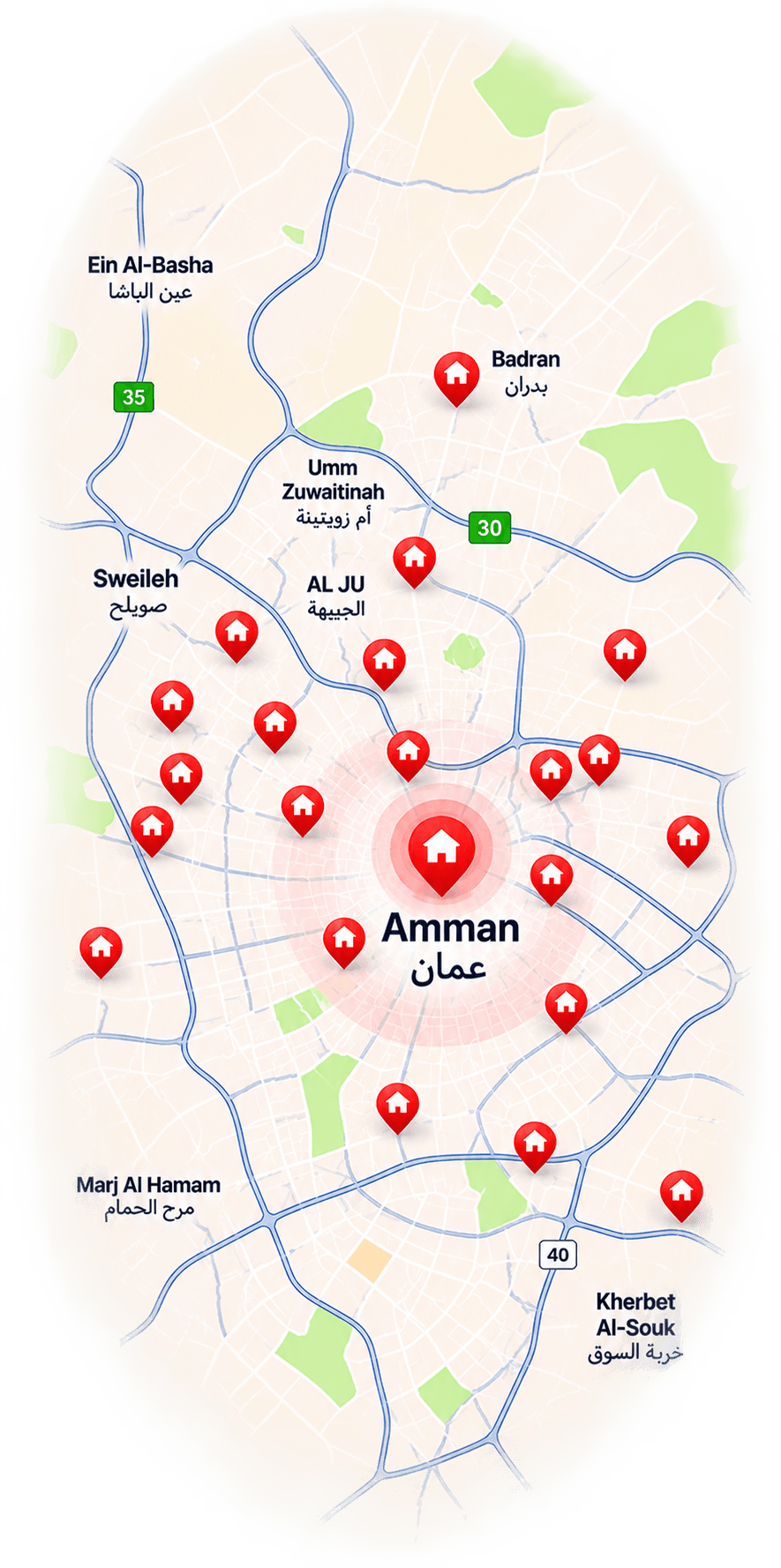
Amman
Submit request screen in the Sakani Jo app

The idea

Stop chasing listings. Let your request reach the offices.

Sakani Jo flips the search around. Instead of you going from listing to listing, you describe what you need once — and your request reaches the real estate offices that work with that property type and area.

The usual search

  • 01Scrolling through countless ads to find something close
  • 02Calling one office after another
  • 03Explaining what you want, again and again

With Sakani Jo

  • One clear request with everything you need
  • It reaches offices that cover that property type and neighborhood
  • The office with a fit is the one that contacts you

How it works

Four steps from idea to first call

Everything starts with your request. Here's how it travels from your phone to real estate offices.

Read the full walkthrough
  1. 01

    Define your needs

    Choose buy or rent, the property type, city and neighborhood, and your price range.

  2. 02

    Submit your request

    Use the “Submit request” screen in the app — a few short, clear steps.

  3. 03

    Offices receive it

    Your request reaches offices based on their specialties. They review it and pick the requests they can serve.

  4. 04

    An office contacts you

    An interested office gets in touch with you directly, and you can follow your request's status under “My requests”.

For property seekers

The place you want starts with a request.

Whether it's an apartment to rent in Amman or land to buy, write your request with the details that matter to you — and let offices come to you.

  • Submit a request to buy or to rent
  • Set the property type, city, neighborhood and price range
  • Edit it while it's active, or renew it once it expires
  • The office with the right fit contacts you directly

For real estate offices

New property requests, straight from what people need.

Instead of waiting for clients, see what people are actually looking for — and choose the requests you can serve.

  • Browse every request, and get notified about the ones that match your specialties
  • Review each request's details before deciding
  • Pick the requests that fit what you have
  • Contact the person behind the request directly from the app

Two kinds of requests

Buying or renting — it starts in the same place

Buy

Looking to buy? Start with a request.

Set the property type, area and price range, and let offices with properties for sale see what you're after.

Rent

Looking to rent? Define what you need.

Describe your next home — from the neighborhood to the rent range — so your request reaches the right offices.

The app

Every request, from first step to closed, in one app

Sakani Jo is available on Android and iOS, in Arabic and English.

  • Submit request

    A short, step-by-step form: request type, property, location and details.

  • My requests

    Follow every request and its status, edit it or renew it.

  • Specialties

    For offices: the property types and neighborhoods you want requests for.

  • Notifications

    Offices are alerted when a request matching their specialties comes in.

Submit request screen in the Sakani Jo app

On Instagram

Get to know Sakani Jo.

Short videos from our official Instagram account.

Follow@sakani_jo_

Made in Jordan

From Jordan, for a property search that starts with you.

Sakani Jo is a Jordanian app built on something anyone who has looked for a home here knows: the neighborhood matters, and so do the small details. That's why your request names the city and the neighborhood — so it reaches offices that work in that same area.

About Sakani Jo

A property request platform — not a listings site

Sakani Jo is a real estate request platform that enables people to submit property buying or rental requests, and allows real estate offices to receive those requests and contact the people behind them directly through the app.

More about Sakani Jo

Sakani Jo at a glance

What it is
A Jordanian property request app
Request types
Buying and renting
Who receives requests
Registered real estate offices
How offices respond
They contact the requester directly
Available on
Google Play and the App Store
Languages
Arabic and English

FAQ

What to know before you start

All questions

Sakani Jo is a Jordanian real estate app built on requests rather than listings: you submit a request for the property you want to buy or rent, registered real estate offices see it, and an office that has a fit contacts you.

Your property journey starts with a request.

Download Sakani Jo and tell offices exactly what you're looking for.

Free on Android and iOS